NEW: Bose Noise Cancelling Wired Earbuds. Pre-order
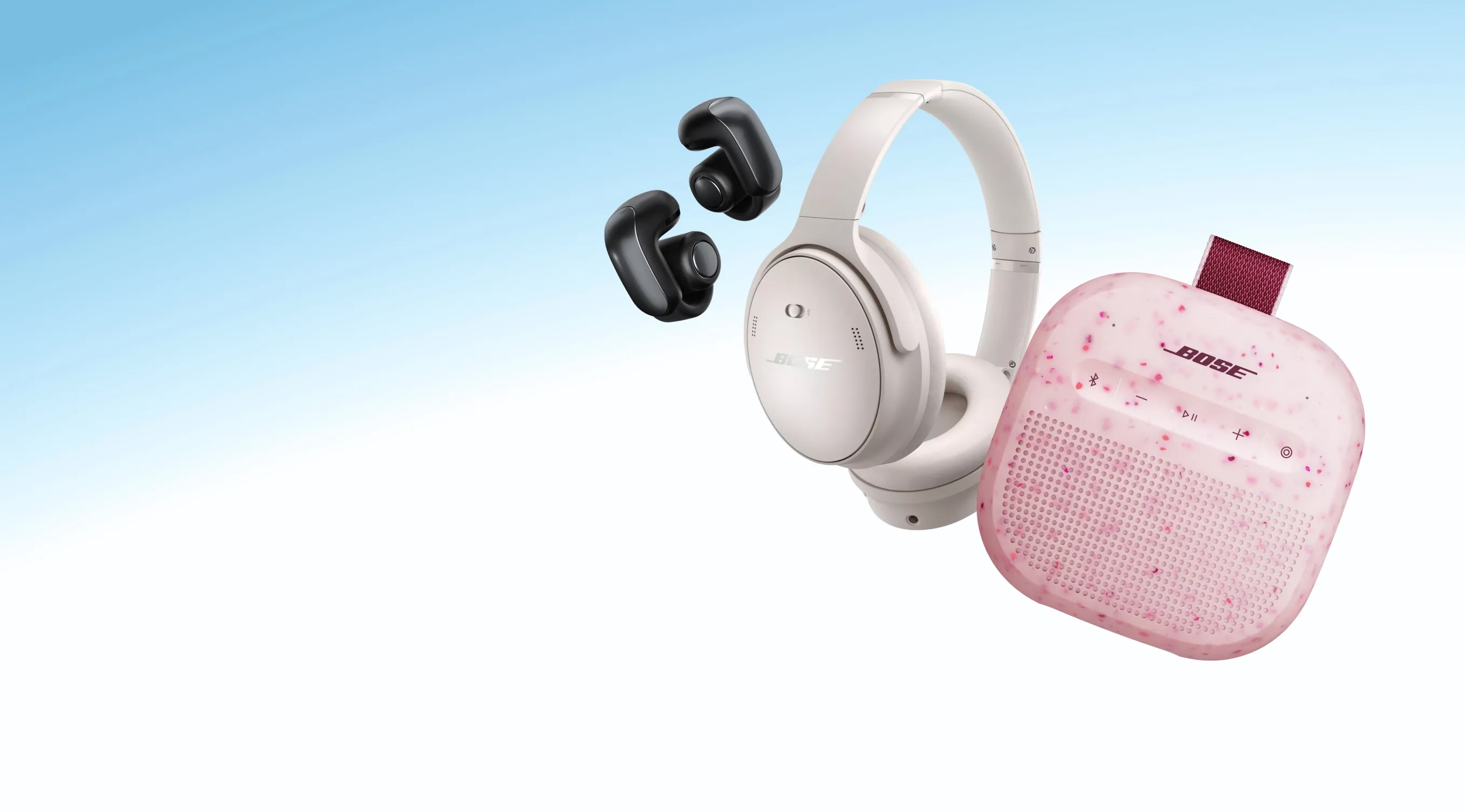
LIMITED-TIME OFFER
Spring Flash Sale
Limited-time savings on selected products. Offer ends October 5.
Trending products


NEW
The latest in open audio
Stay open to the outside alongside your music. Sport Open Earbuds and Ultra Open Earbuds (2nd Gen).
PRE-ORDER
Plug in. Jam out.
New Bose Noise Cancelling Wired Earbuds. A wired throwback for more music without distractions.
NEW EXCLUSIVE COLOUR
Rock the look. And your music.
QuietComfort Headphones (2nd Gen) in limited-edition Hazelnut Taupe.
NEW EXCLUSIVE COLOUR
A treat for your tunes
Add a bright start to your playlist. Let in the world around you. Ultra Open Earbuds (2nd Gen) in limited-edition Sky Pink.
BOSE AUTOMOTIVE
True believers in the power of sound
Why buy from Bose
-
30-day return policy
Try it for 30 days to make sure it’s right for you.
-
Price match promise
Shop confidently. We’ll match a lower price.
-
Complimentary delivery
On all in-stock orders of $89 or more.
-
My Bose perks
My Bose members receive exclusive offers, experiences and more.
Important recall notice regarding certain Acoustimass, Lifestyle and Companion system bass modules manufactured prior to 1 April 2006.
Product Added to cart Extended warranty modal
Protect your Bose with an extended warranty plan
